How to Unblock Your M-Pesa Account in Kenya (2026)
Key points
- Wrong PIN entries can lock M-Pesa until you complete an official unlock.
- SIM swap or registration problems can also block services even if you know the PIN.
- Only Safaricom official channels should unlock you — not social media “hackers”.
- Practical takeaway: Stop guessing PINs after a few failures, dial official care or visit a shop with ID, and change the PIN immediately after unlock.
Updated August 2026. Portals and fees change — always confirm on the official site before you pay or submit.
A blocked M-Pesa account freezes salaries, school fees, and business tills. Most locks fall into two buckets: PIN lock after wrong attempts, or SIM/account flags after registration or fraud checks.
PIN lock — common path
- Stop entering random PINs.
- Use the official USSD self-service or call Safaricom customer care from the same line if possible.
- Answer security questions or complete ID verification as prompted.
- Set a new PIN in private.
- Test with a tiny transaction.
When you must visit a shop
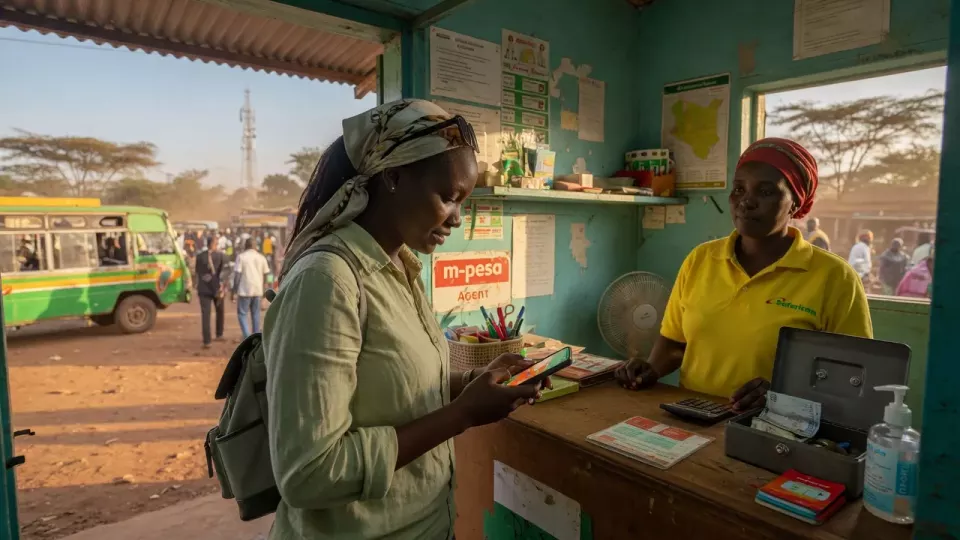
If the line was swapped, the ID does not match, or care cannot unlock remotely, go to an authorised dealer/shop with original ID and the handset/SIM. Expect a wait during peak hours.
Scam warning
Nobody legitimate needs your PIN to “unblock” you. Hang up on callers who demand it.
Official links
FAQ
How long does unlock take?
Self-service can be minutes; shop verification may take longer the same day.
Will I lose my balance?
Balance usually remains; access is what is locked. Confirm after unlock.
Business till blocked?
Tills may need business documents — ask shop staff for the business KYC path.
Related on ZaKenya
Editorial guide for general information only. Not legal, tax, or financial advice. ZaKenya is not affiliated with government agencies or Safaricom.