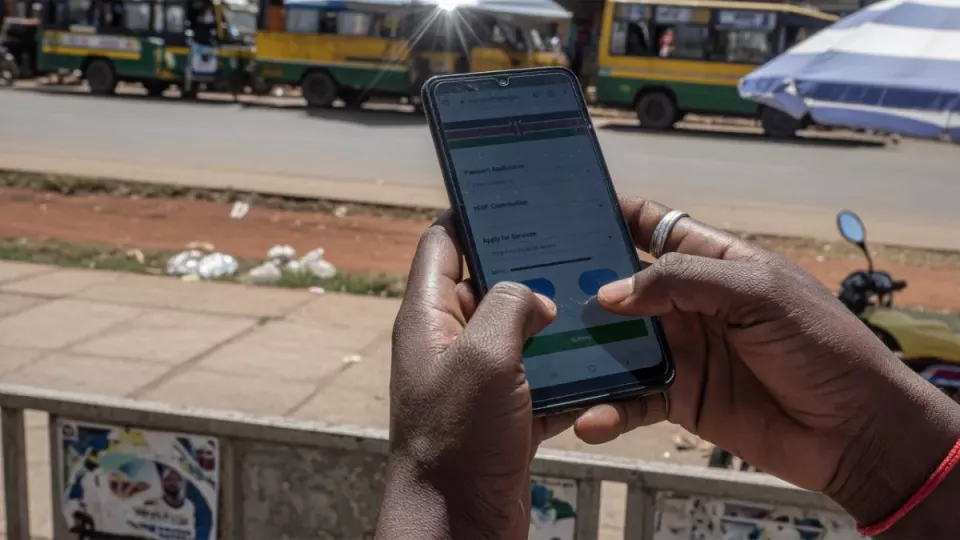
How to Use eCitizen for Government Services in Kenya (2026 Guide)
Key points
- eCitizen is Kenya’s main digital front door for many government services.
- You need a verified account, a working phone/email, and often M-Pesa or card payment options.
- Phishing sites that look like eCitizen are common — type the official domain yourself or use bookmarks.
- Practical takeaway: Create one personal eCitizen account under your real ID details, use strong passwords and OTPs, and only pay after the portal shows an official payment reference.
Updated August 2026. Portals and fees change — always confirm on the official site before you pay or submit.
Kenya’s eCitizen platform consolidates applications that used to require physical queues. Service catalogues change; always use the live list on the official site.
Create or recover your account
- Go to the official eCitizen website and bookmark it.
- Register with accurate ID/passport details and a phone number you control.
- Confirm email/SMS OTPs.
- If you registered years ago, use forgot password rather than a second identity.
- Complete profile KYC prompts so payments do not fail mid-way.
Finding a service
After login, search or browse agencies. Common journeys include immigration-related applications and other citizen services. If a service is missing, it may be offline, on another agency portal, or only at Huduma Centres.
Application and payment flow (typical)
- Select the service and read requirements (uploads, fees, timelines).
- Fill forms carefully — names must match ID.
- Upload clear scans within size limits.
- Submit and generate a payment invoice or control number.
- Pay via supported channels (often M-Pesa or card). Keep SMS and portal receipts.
- Track status until collection or download instructions appear.
Huduma Centres and eCitizen
Some steps still need biometrics or in-person pickup. Confirm hours before you travel.
Safety checklist
- Never enter passwords on links from random WhatsApp blasts.
- Do not send full ID selfies to helpers who promise queue-jumping.
- Log out on shared cyber-café computers.
Official links
FAQ
I paid but status is pending — what next?
Wait for portal status first, keep the payment reference, then use official support contacts — not social-media middlemen.
Can one account serve my whole family?
Usually each adult should have their own account tied to their ID. Dependents may be attached inside specific services where the form allows.
Is every county service on eCitizen?
No. Some county licences remain on county systems or physical counters.
Related on ZaKenya
Editorial guide for general information only. Not legal, tax, or medical advice. ZaKenya is not affiliated with government agencies.